Product tour

How Apollo runs a property media job

Set up your services, price work accurately, manage clients, assign jobs, deliver products, control invoices, and keep your whole workflow moving from one platform.

One workflow from setup to delivery

Apollo is in active development for UK property photography professionals. No payment is taken today — early access users help shape the platform and the roadmap.

Phase 1

Set up your workspace

Configure services, pricing and client records once — before the first job lands.

  1. Live

    Services, SLAs and add-ons

    Define what you sell — photography, floorplans, EPC, drone — plus service SLAs and reusable fees such as late cancellation or urgent order charges.

    • Service catalogue by real job type
    • Product upload SLAs and advisory targets
    • Reusable surcharge and add-on definitions
    app.apolloui.co.uk/{workspace}/pricing
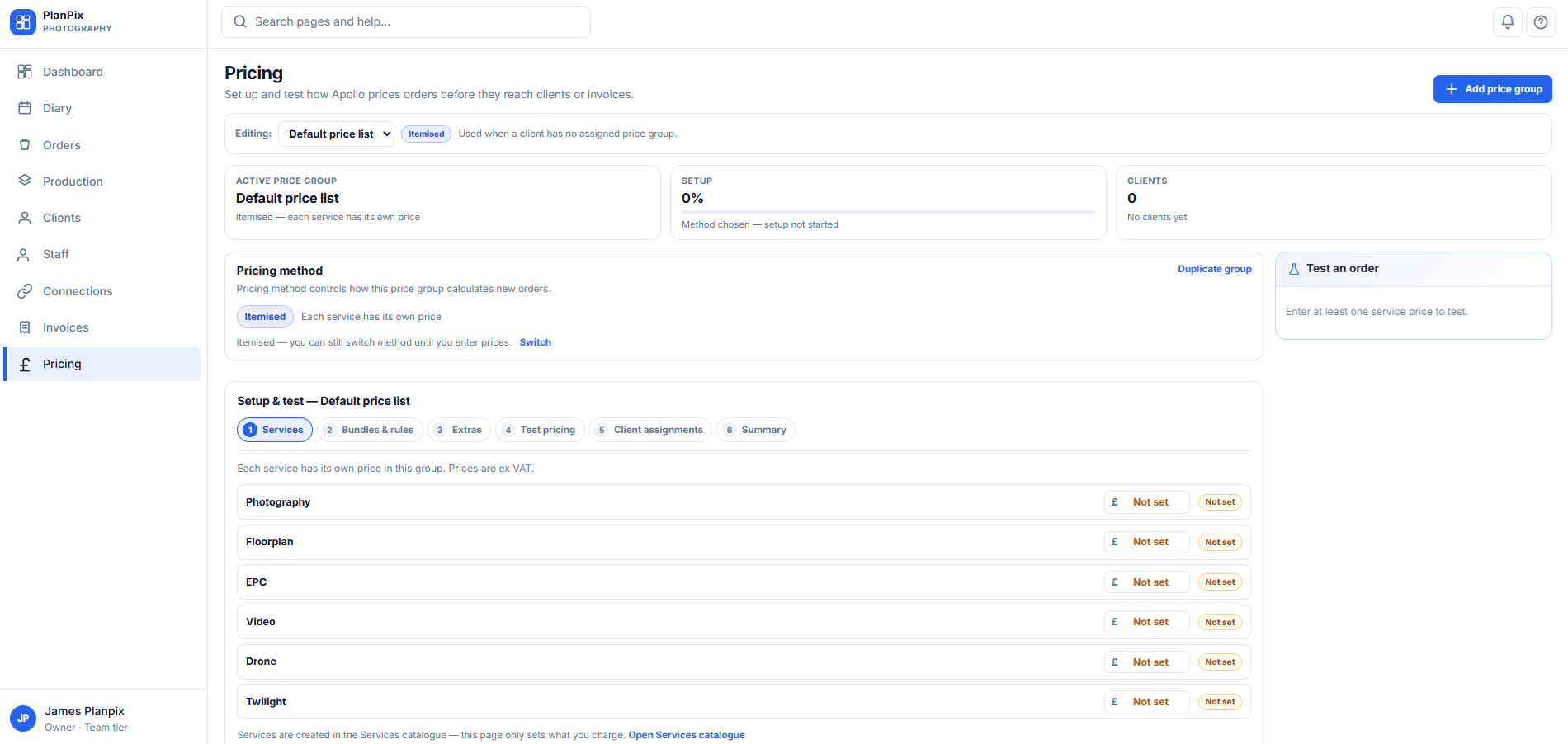
    Pricing setup

    Product preview — coming soon
  2. Live

    Pricing that matches how you charge

    Set itemised baselines, service combinations, client-specific overrides, property size rules and square-footage surcharges — stored once, applied at order time.

    • Combination packages and count-based pricing
    • Per-client and per-branch commercial rules
    • Property size and measured sq ft adjustments
  3. Live

    Clients, branches and contacts

    Model estate agencies with branches and contacts, or individual clients — so every order carries the right relationship context.

    • Client and branch CRM on the job
    • Contacts linked to orders and portal access
    • Price group assignment per client
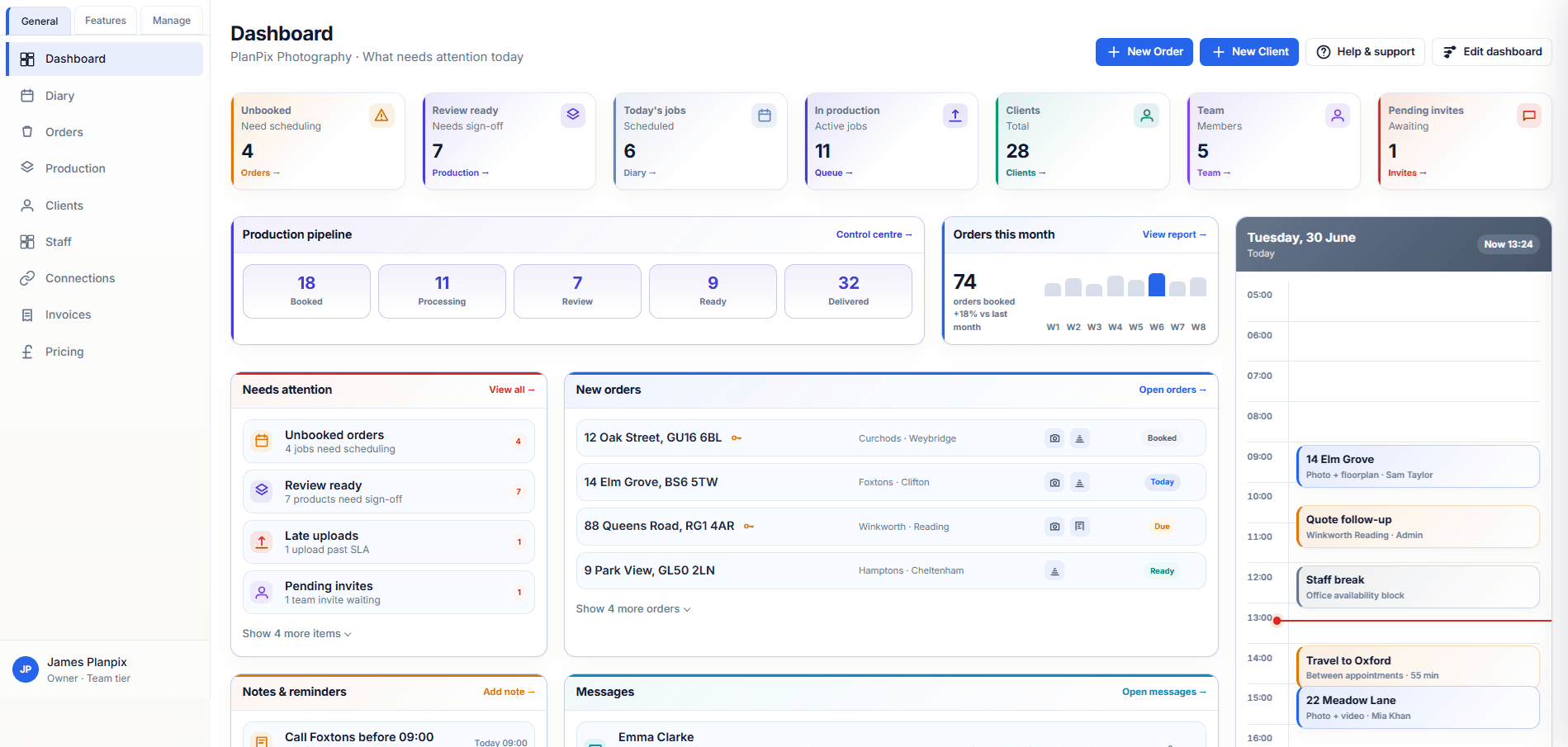
    app.apolloui.co.uk/{workspace}/dashboard

    Dashboard — Needs attention

    Product preview — coming soon

Phase 2

Win and book the job

Capture orders with your rules already applied, then book and assign the work.

  1. Live

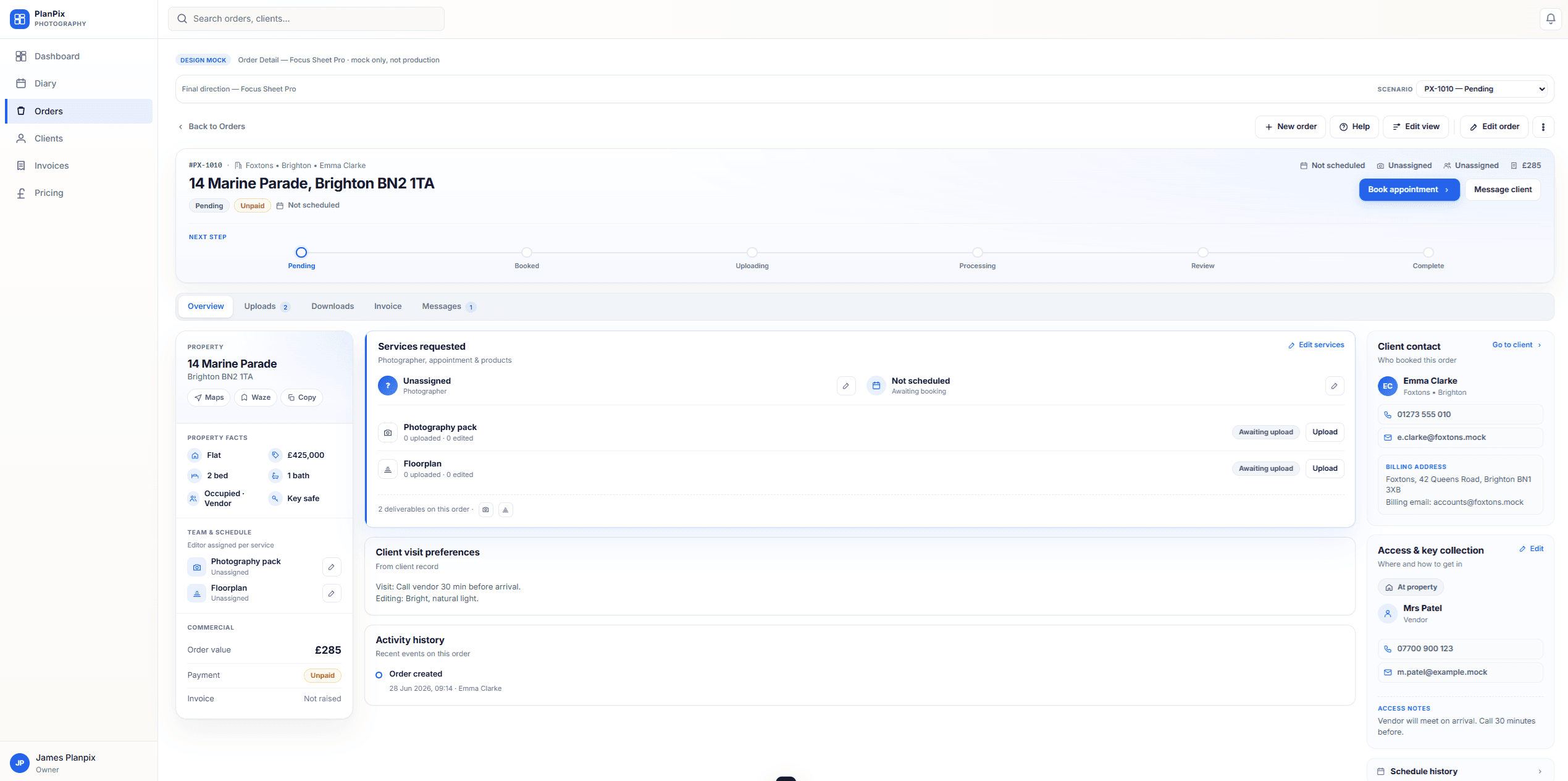
    Create orders with rules already applied

    Capture property, services and brief on one order. Pricing rules and client overrides resolve into a snapshot — not a spreadsheet side quest.

    • Workspace intake and client portal direction
    • Live pricing preview before create
    • Order thread stays with the job
    app.apolloui.co.uk/{workspace}/orders

    Orders workflow

    Product preview — coming soon
  2. Live

    Book and assign work

    Move orders to booked, assign yourself or a photographer, and keep unbooked work visible for the team to pick up.

    • Diary day view with photographer rows
    • Book and reschedule from the order
    • Team oversight of unbooked assignments

Phase 3

Produce and review

Move files from shoot through review without losing context on the order.

  1. Live

    Upload from site or manage files in-house

    Field staff upload on-site; editors access the order remotely. Files stay on the product — whether you outsource editing or handle it yourself.

    • Direct-to-order uploads per product
    • Editor assignment and contributor access
    • Originals and edited areas kept together
    app.apolloui.co.uk/{workspace}/orders

    Orders workflow

    Product preview — coming soon
  2. Live

    Review, approve and prepare delivery

    Production and review queues show what needs attention. Approve editor output or send work back before release.

    • Production control centre and review work
    • Per-product approval paths
    • Clear handoff toward client delivery

Phase 4

Deliver and control changes

Release work through the client portal and handle revisions with control.

  1. Live

    Client portal delivery

    The client portal extends your account — orders, deliverables and discussion tied to the job, not a separate file-sharing app.

    • Client-facing order list and detail
    • Deliverable downloads when release rules allow
    • In-app order discussion
    app.apolloui.co.uk/client/orders

    Client portal — deliverables

    Product preview — coming soon
  2. In development

    Controlled change requests

    Clients can request changes; you review, route to an editor, check the output and return to the client — automate handoffs where appropriate as Apollo expands.

    • Amendment and revision paths on the order
    • Review work for approve or re-work
    • You choose how much to automate

Phase 5

Invoice, store and oversee

Bill with clarity, keep files organised, and stay on top of the week ahead.

  1. Live

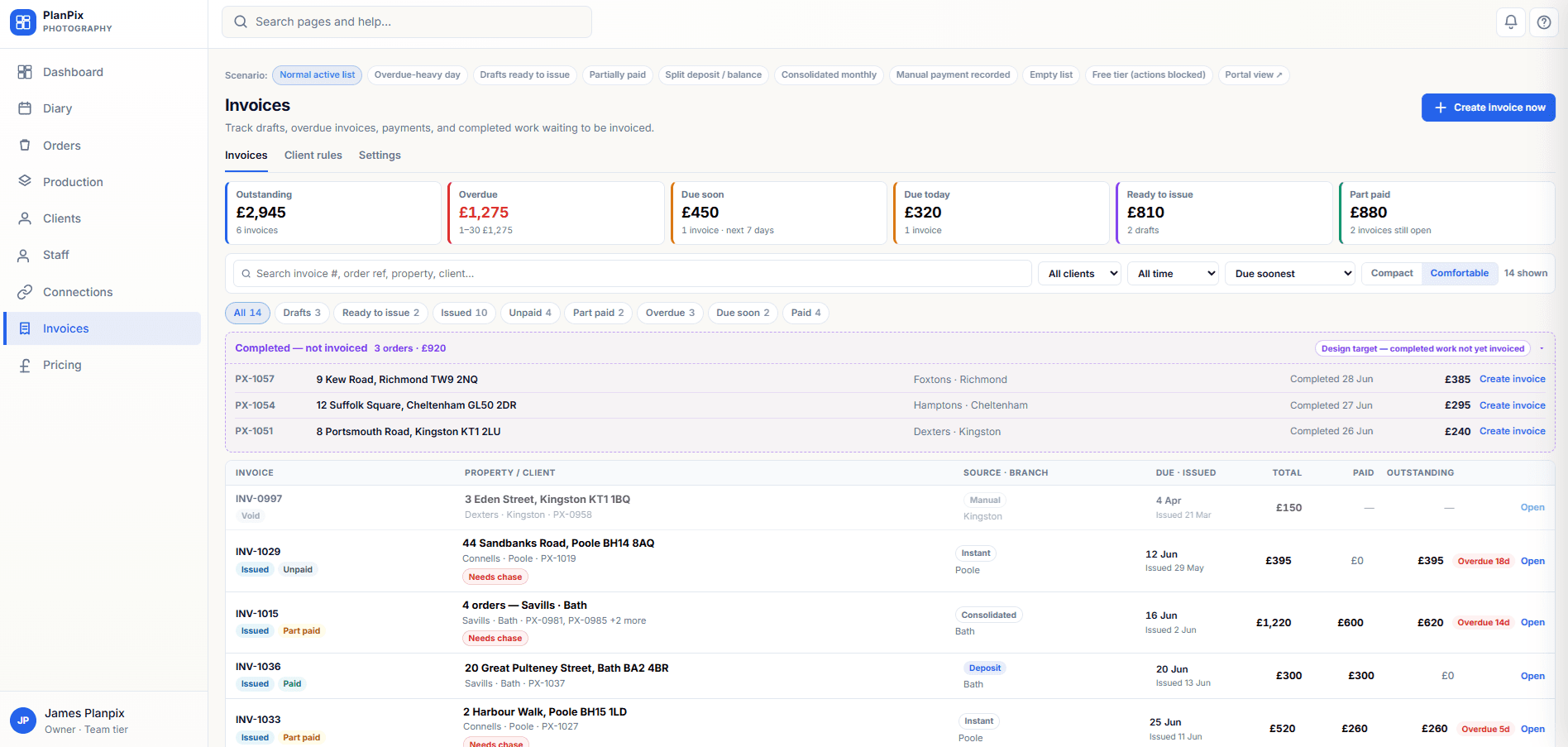
    Invoice and payment controls

    Draft invoices from order pricing, set delivery conditions, track overdue work and restrict downloads until payment — with user choice over how much to automate.

    • Draft, issue and payment record workflows
    • Credit control and new-order blocking options
    • Download release tied to your payment policy
    app.apolloui.co.uk/{workspace}/invoices

    Invoices

    Product preview — coming soon
  2. Live

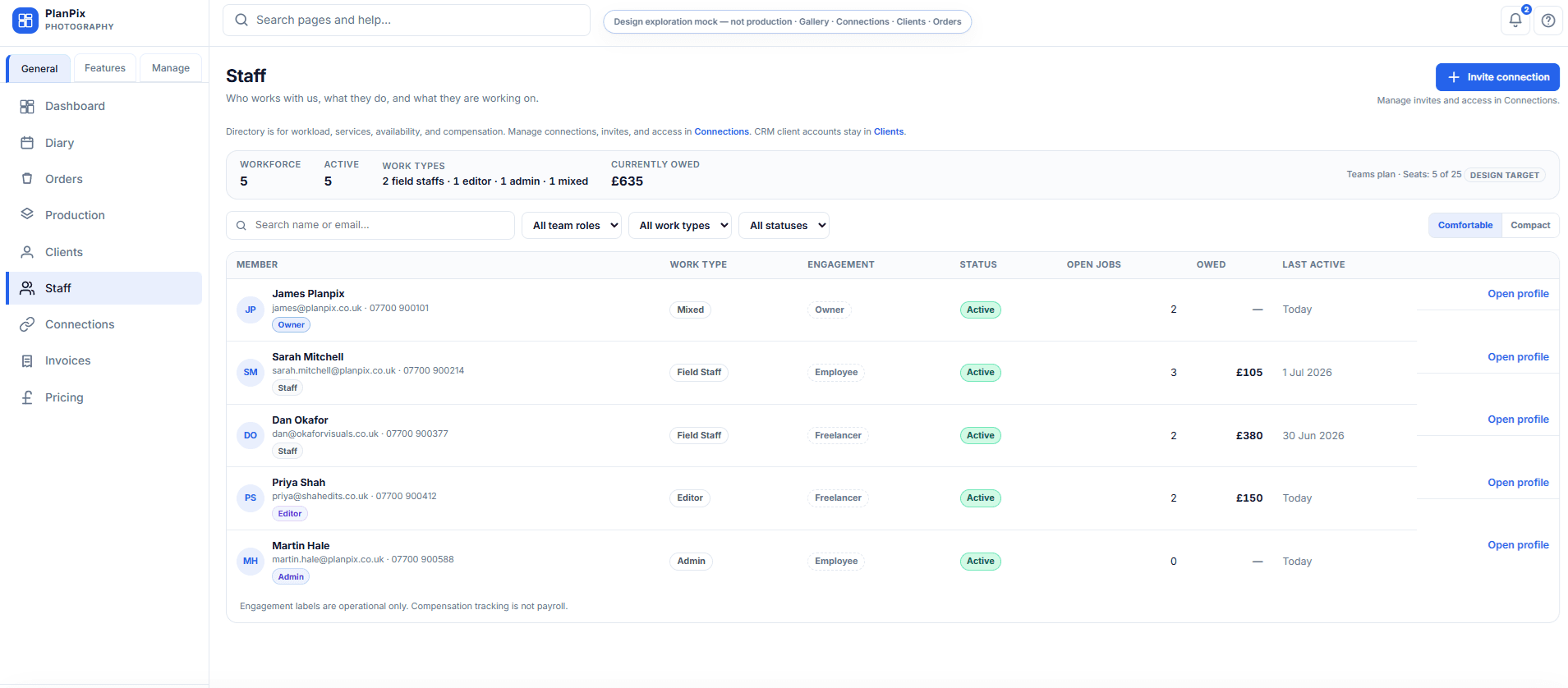
    Storage, diary and communication

    Central storage for current and past orders, a shared diary, and in-app messaging for staff, editors and clients — not email replacement.

    • Storage browser for order-linked files
    • Diary and assignment visibility
    • In-app threads — no email or push today
  3. Planned

    Insight and roadmap

    Analytics and operational reports are on the roadmap. Early access users help shape priorities — we listen for workflow pain, not feature wish lists.

    • Reports and analytics — planned
    • Built with photographer feedback
    • Register interest to influence the roadmap
    app.apolloui.co.uk/{workspace}/dashboard

    Dashboard — Needs attention

    Product preview — coming soon

Early access

Shape Apollo around your workflow

Join early access and tell us what your property media workflow needs most.

Apollo is in development. No payment is taken today — registering interest does not create a paid subscription.